Of course you can change all these setting if you like or if they conflict with other applications. Just copy the file in the post above to a file named rc.xml and place it in your /home/username/.config/openbox/ directory. Then you can edit it for that user. Hint: CTL-h will show the hidden .config directory (any file that starts with a "." is hidden)
I’ve tried to make them newbie friendly and easy to remember whilst group the most used keys.
Refer to the open box website for detailed instructions.
http://openbox.org/wiki/Main_Page
Also urukrama's very good guide
http://urukrama.wordpress.com/openbox-guide/
Basics:
Keyboard short cut settings: Modifier keys C=CTL A=Alt S=Shift W=Windows M=Meta. Function keys=F1/F12.
Note you will use the arrow keys alot!
The most used keys are:
Menus:
ALT+z (openbox menu)
ALT+x (openbox view active desktops and applications)
ALT+c (openbox client menu)
Viewing and moving:
ALT+tab (Tab through all open applications: to the right)
ALT+b (toggle boarder)
ALT+d (toggle show/hide desktop)
ALT+f (toggle full screen)
ALT+F4 (close active window)
ALT+Escape (send active window to the bottom of the open windows stack)
CTL+ALT-Righ/Left (Move to desktop on the Right/left)
SHIFT+ALT-Righ/Leftt (Send active window to desktop on the Right/left)
F12 (add new desktop)
F11 (remove desktop)
Launching applications:
Windows-key+ a-z (edit as required)
A bit more detail:
Show openbox menu: Note the Root menu is the openbox menu.xml : Note use arrow keys!
keybind key="A-z"
Show all desktops and active applications menu: Note use arrow keys!
keybind key="A-x"
Show Openbox window menu on active window:
remember c 4 client-menu: Note the client menu is the openbox bar drop down menu: Note use arrow keys!
keybind key="A-c"
Iconify active window:
remember i 4 iconify: use A-Tab to raise
keybind key="A-i"
Move the current window to Center:
remember M 4 Move:
keybind key="A-m"
Resize the current window: Note use arrow keys!
remember r 4 resize:
keybind key="A-r"
Toggle Maximize Full screen on/off:
remember f 4 full screen:
keybind key="A-f"
Toggle window decoration on/off:
remember b 4 border:
keybind key="A-b"
Show Desktop toggle on/off:
remember d 4 desktop:
keybind key="A-d"
Lower active window to the bottom of the window stack
keybind key="A-Escape
Keybindings for desktop switching
Move to desktop on the Right: Note use arrow keys!
keybind key="C-A-Right"
Move to desktop on the left: Note use arrow keys!
keybind key="C-A-Left"
Send active window to desktop on the left. And follow it!: Note use arrow keys!
keybind key="S-A-Left"
Send active window to desktop on the right. And follow it!: Note use arrow keys!
keybind key="S-A-Right"
Switch to desktop (number)-- Note I rarely use this a C-A-Left or C-A-Right arrow is easier
Switch to desktop (number 1)
keybind key="W-F1"
Switch to desktop (number 2)
keybind key="W-F2"
Switch to desktop (number 3)
keybind key="W-F3"
Switch to desktop (number 4)
keybind key="W-F4"
Screen capture Gnome
keybind key="A-S-Print"
Tab through all open applications: to the right
keybind key="A-Tab"
Tab through all open windows: to the Left
keybind key="A-S-Tab"
Tab through all open Desktops: to the right
keybind key="C-A-Tab"
Remove current desktop and go to next available: Open applications auto switch to next Desktop
keybind key="F11"
Add new desktop to current position
keybind key="F12"
Monday, 4 October 2010
Friday, 10 September 2010


Monday, 23 August 2010


Sunday, 22 August 2010

Saturday, 14 August 2010
How to connect to #blag irc channel on the indymedia server
Step by step. How to chat directly with Blag users and developers via IRC (internet relay chat)
<=======================>
What is irc?
Quote: ref: http://en.wikipedia.org/wiki/Internet_Relay_Chat
"Internet Relay Chat (IRC) is a form of real-time Internet text messaging (chat) or synchronous conferencing. It is mainly designed for group communication in discussion forums, called channels, but also allows one-to-one communication via private message as well as chat and data transfers"
<=======================>
Go here:
https://irc.indymedia.org/
Nickname: Alternate nickname: PUT YOUR NICKNAME HERE (it can be anything that is not in use or contains elegal characters)
Real name: Anonymous LEAVE AS IT IS
Software:
Browser: select your browser from the drop down list. e.g. Mozilla/Firefox/.. (Gecko)
Add sound, emoticons and other nice things
Secure chat connection LEAVE AS IT IS
Remember your choices LEAVE AS IT IS
Extra channels (',' separated): #blag
now click the “Chat” button
You will be connected to the indymedia irc server.
Select the #blag channel (top left)
Say hello by typing in the lower text box. Your chats will be displayed in the main window.
Please note that many people loiter in irc channels, so don't be disappointed if people aren’t actually at their computers. Keep the tab (channel) open and people will pop in. Many are in different time zones. If you really are stuck ask in the forum.
http://forums.blagblagblag.org
<=======================>
The indymedia how to
“New users: Connect quickly using a web browser
For the impatient: If you just want to connect quickly to Indymedia chat (from any computer), use the handy web version:
Step 1: Goto https://chat.indymedia.org
**Note the 's' in 'https'
Step 2: Ignore the gratuitous black-clad imagery.
Step 3: Type in your desired nickname where it says "Nickname". Generally, people don't use their full names, for privacy reasons. IRC is kind of like the wild west. Most make up a consistent nickname, or use their first name.
Step 4: Type in the channel (chat room) that you want to talk in, where it says "Extra channels". For example, type in "tech" to visit the #tech channel (without the quotes).
Step 5: Click the "Chat!" button and you should be logged in. You will likely be automatically logged into the default #indymedia chat room. Note that as this room is the default, there are many folks here who aren't necessarily involved in Indymedia organizing.
Step 6: In the topleft of your window, you should see links or tabs for the other chat room(s) you specified in "Extra channels". Click on these to switch between the different rooms. Then just type in what you want to say in the lower-left of the your window.
Step 7: IRC is a great way to communicate, more fluid and informal than email. However, please think before you type; exercise caution and respect the privacy of others. Now, repeat after me:
Anything that you ever type into a computer could be seen by anyone at any point in the future.
Happy Chatting! “
<=======================>
Chatzilla
If you wish you can install a dedicated irc application like chatzilla http://en.wikipedia.org/wiki/ChatZilla
http://chatzilla.hacksrus.com/intro
If you run Firefox install the chatzilla plugin
https://addons.mozilla.org/en-US/firefox/addon/16/?src=external-cz-homepage-js
How to use chatzilla to communicate with indymedia network real time.
Once you open chatzilla, click on the cZ icon on left
botton. You'll see the word 'client' in botton left.
You need to type:
/server irc.indymedia.org
lots of letter will roll up. When they stop, you can
change your nick by typing?
/nick <your name>
then click:
/join #blag
To make things easy next time tick "open this channel at start up"
recommended reading:
http://docs.indymedia.org/view/Sysadmin/IrcHowTo
more links:
http://lostirc.sourceforge.net/index.php?page=about
http://wiki.debian.org/GettingHelpOnIrc
http://www.irchelp.org/irchelp/irctutorial.html#quickstart
http://www.ircbeginner.com/ircinfo/ircc-commands.html


Thursday, 29 July 2010
Bread
I made Russian rye bread yesterday

Not perfect but I'm happy for a first attempt. Tasted great!
Also a friend fired up the clay oven.
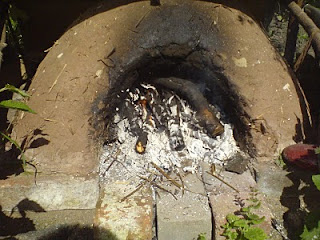

Three hours to get up to temperature but useful for up to 12 hours (even if you need to be patient)

Not perfect but I'm happy for a first attempt. Tasted great!
Also a friend fired up the clay oven.
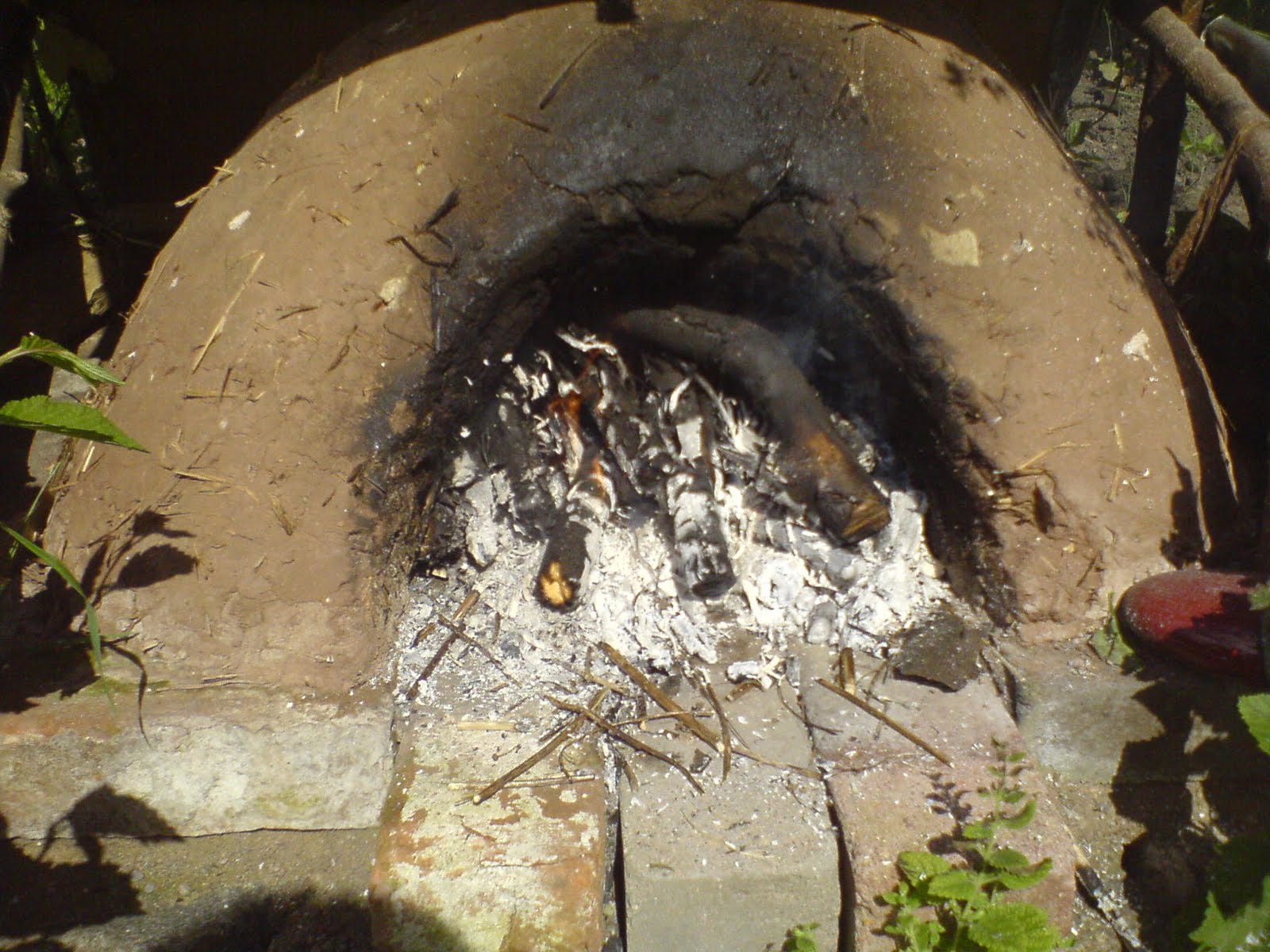

Three hours to get up to temperature but useful for up to 12 hours (even if you need to be patient)
Free software at the big tent
I decided to get a stall at the big tent to promote free software. My daughter helped create a poster and we loaded up our bikes and rode off complete with imac in tow in the bike trailer. It was a good weekend though I was knackered at the end of it (90 miles home to venue to digs and back home mostly with a bike trailer). Many people had never heard of free software GNU or even Linux.
Being a so called "green event" I had many folk that were open to the ethics that free software provides. As such I pushed that angle. I had my imac running Debian main, and two netbooks running Blag. During the weekend I met many folk, from Microsoft employees, free-software developers, and Ubuntu users (many of which did not know what free-software was!) I made a few converts to the idea of free-software and some folk said the will try Blag or Debian. I also talked about digital iceage, vendor lockin, open standards, and web2.0 and WebM amongst other things
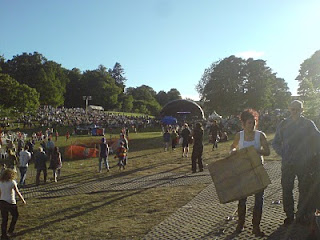
Here are some pics:


Away from free-software I also made a smoothie maker bike for some friends. It made over 250 over the two days.


Being a so called "green event" I had many folk that were open to the ethics that free software provides. As such I pushed that angle. I had my imac running Debian main, and two netbooks running Blag. During the weekend I met many folk, from Microsoft employees, free-software developers, and Ubuntu users (many of which did not know what free-software was!) I made a few converts to the idea of free-software and some folk said the will try Blag or Debian. I also talked about digital iceage, vendor lockin, open standards, and web2.0 and WebM amongst other things
Here are some pics:
Unpacking the bike


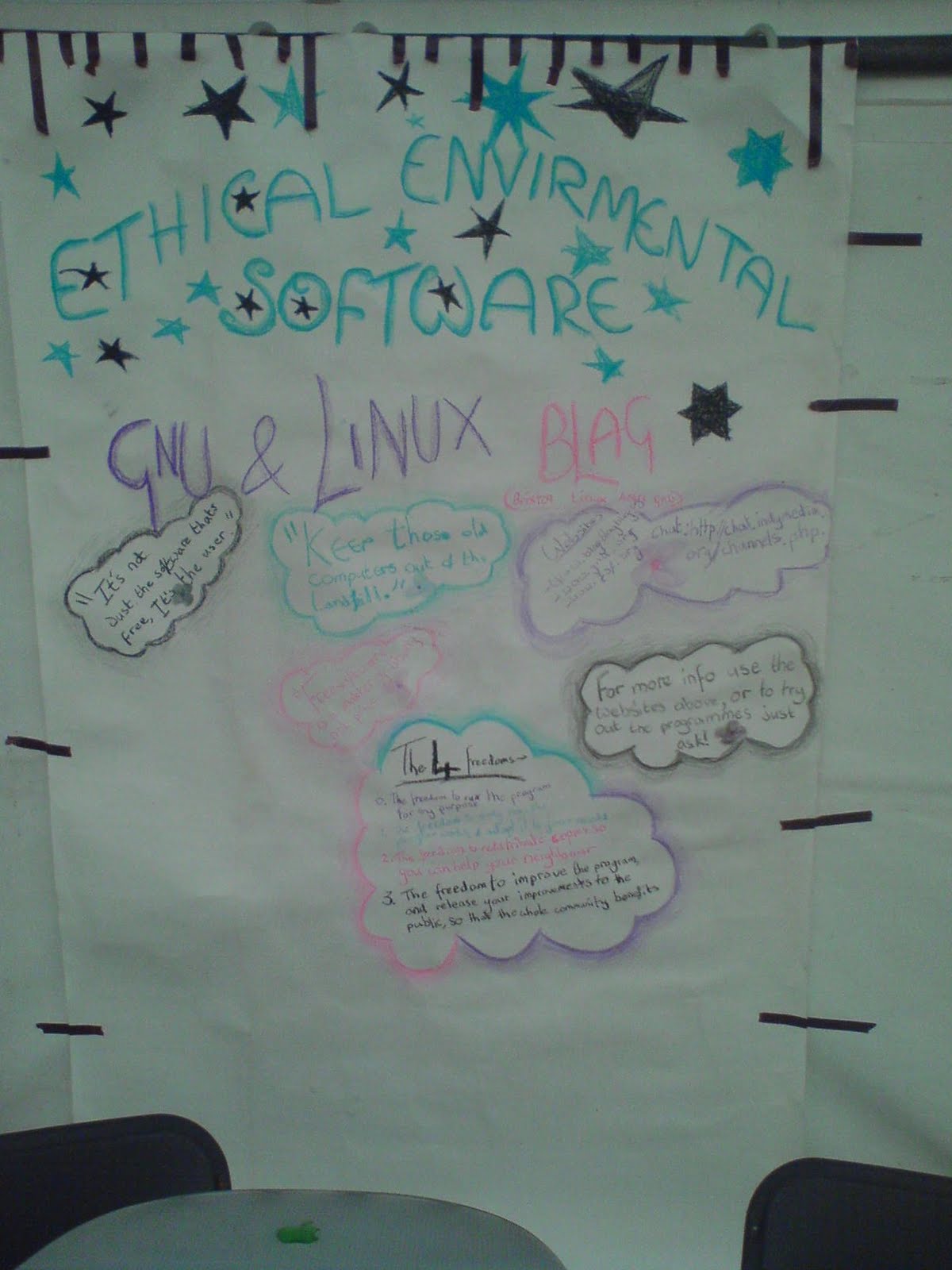
Our poster :) The four freedoms were regarded as very cool as was the fact my old imac was still running an up to date OS
The festival was on a large spread out site, here's a little bit of it.

Main stage

Away from free-software I also made a smoothie maker bike for some friends. It made over 250 over the two days.


Saturday, 26 June 2010
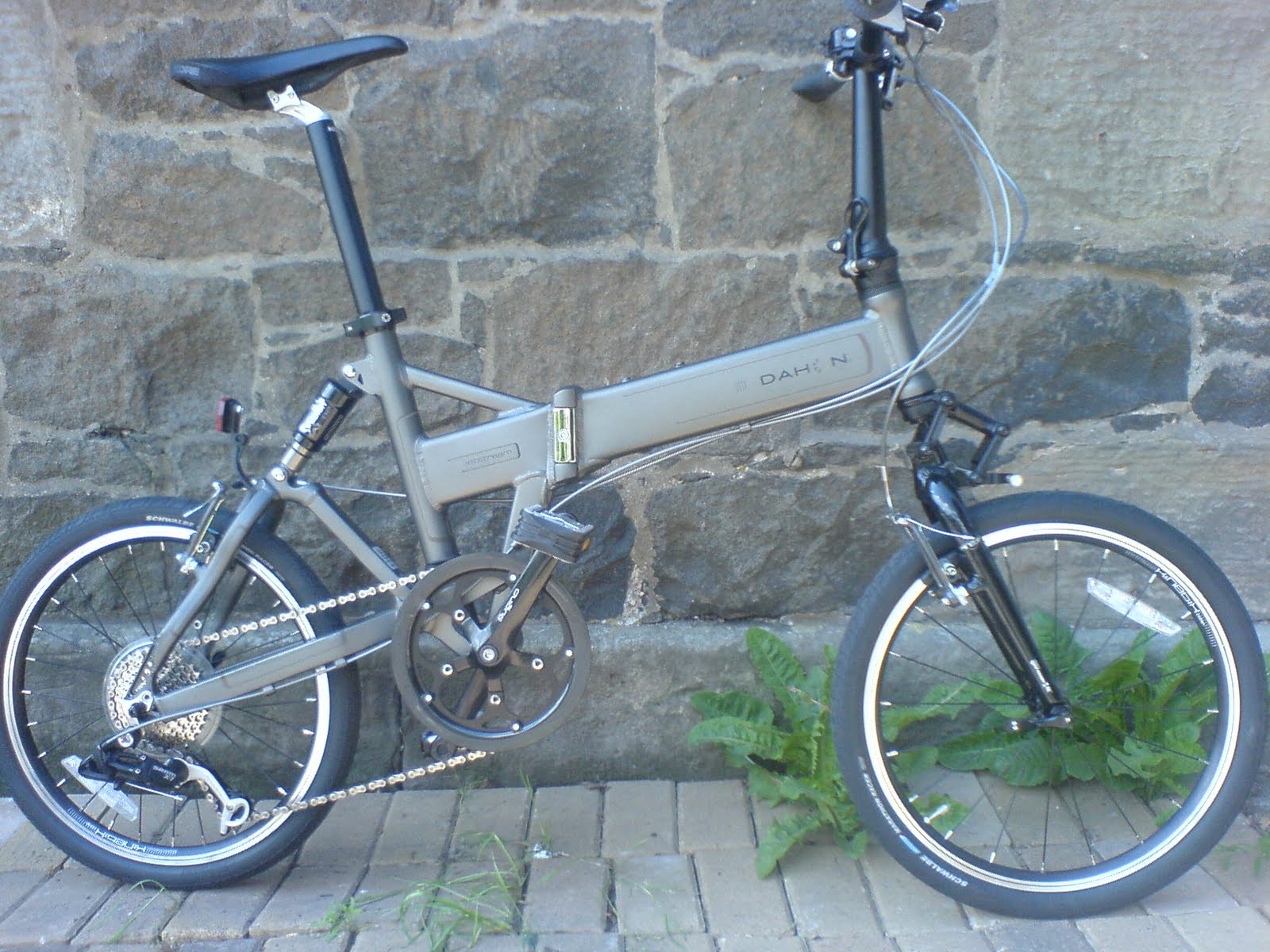
My new Dahon jetstream p8
I needed a folding bike to travel to see my family now I've given up my car after much searching and dithering I bought a Dahon jetstream p8. I doesn’t fold as great as I'd like (due to the front suspension) but overall it's a cracking bike. At first I was a little disappointed as I ordered a 2007 model which I feel is a better design as regards folding, I got a Sept 2008 model in ace condition so thought better not look a gift horse in the mouth considering the price I paid.
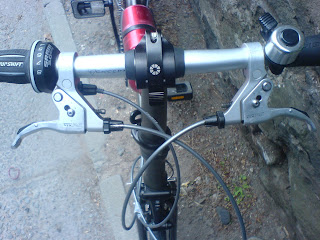
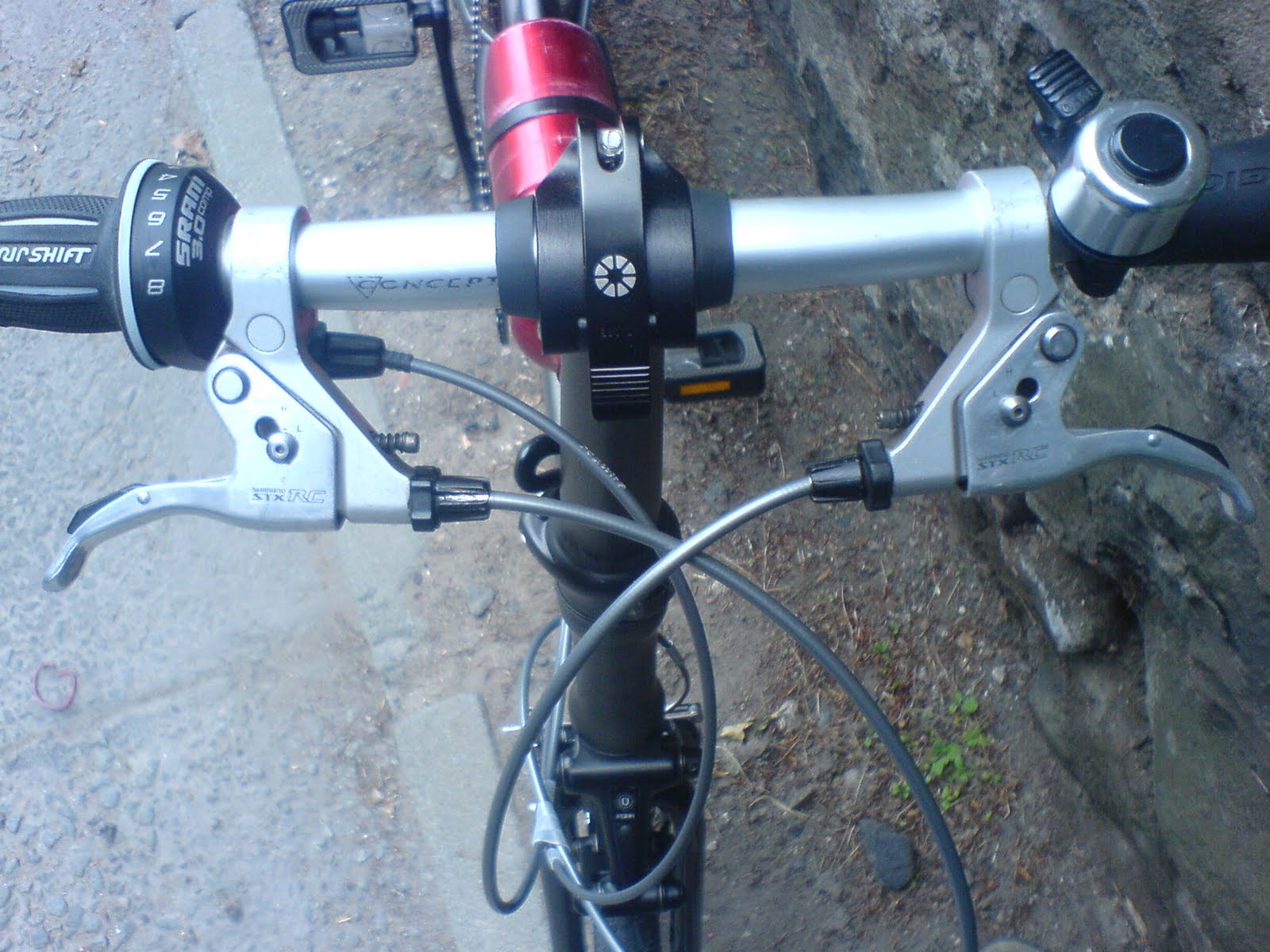
It rides great is light and the suspension is superb. The front brake was poor and the levers cheap and nasty so I've changed the lot for stx-rc all round, a great improvement though now I need to make sure I don't end up over the handle bars.
I swapped out the bars and added bar ends for hill climbing and down hills. A quick release bum bag, water bottle and new rear reflector holder are the only other additions.




It rides great is light and the suspension is superb. The front brake was poor and the levers cheap and nasty so I've changed the lot for stx-rc all round, a great improvement though now I need to make sure I don't end up over the handle bars.
I swapped out the bars and added bar ends for hill climbing and down hills. A quick release bum bag, water bottle and new rear reflector holder are the only other additions.


I also bought some MKS EZY REMOVEABLE PEDALS (£36 inc postage) so I could fit toe-clips


After spending way to much money on a push-bike I thought I'd better see how much I ride it and secure it. So on order I have the following.
Etc Mach-2 Bicycle Computer - 8 Functions and Master Lock Street Fortum Gold Sold Secure D Lock 280x110mm with 1200x10mm cable
Saturday, 5 June 2010
My openbox, rox - tint2, fbpanel and conky desktop
My openbox, rox - tint2, fbpanel and conky desktop


Tuesday, 1 June 2010


Subscribe to:
Posts (Atom)